Hear the feeling.
Listen for the excitement, hesitation, and emphasis that a short typed answer can leave out.
A LITTLE VOICE. A LOT MORE CONTEXT.
A typed answer tells you what happened. A voice can tell you how it felt. Make room for the tone, detail, and personality behind your next response.
Start with a free account · Build without code
“They actually listened.
That meant everything.”
THOUGHTFUL QUESTIONS. MORE USEFUL ANSWERS.
Let people explain an experience in their own words, at a time that works for them.
Listen for the excitement, hesitation, and emphasis that a short typed answer can leave out.
Invite a spoken explanation alongside a rating, selection, image, ranking, or text answer.
Use a focused prompt to collect a thoughtful response without arranging a live conversation.
BUILT INTO YOUR FORM
Use Audio on its own, or combine it with another answer to keep structure and human context together.
Read the question-type guidePair the score with a spoken explanation.
Learn what drove a choice or priority.
Give a written answer or visual a little more context.
ONE QUESTION CAN OPEN A CONVERSATION
Hear the specific moments behind a satisfaction score.
Example prompt · Adapt it to your audienceInvite a personal account without leading the participant.
Example prompt · Adapt it to your audienceHear the reasoning as well as the conclusion.
Example prompt · Adapt it to your audienceGET A FEEL FOR THE EXPERIENCE
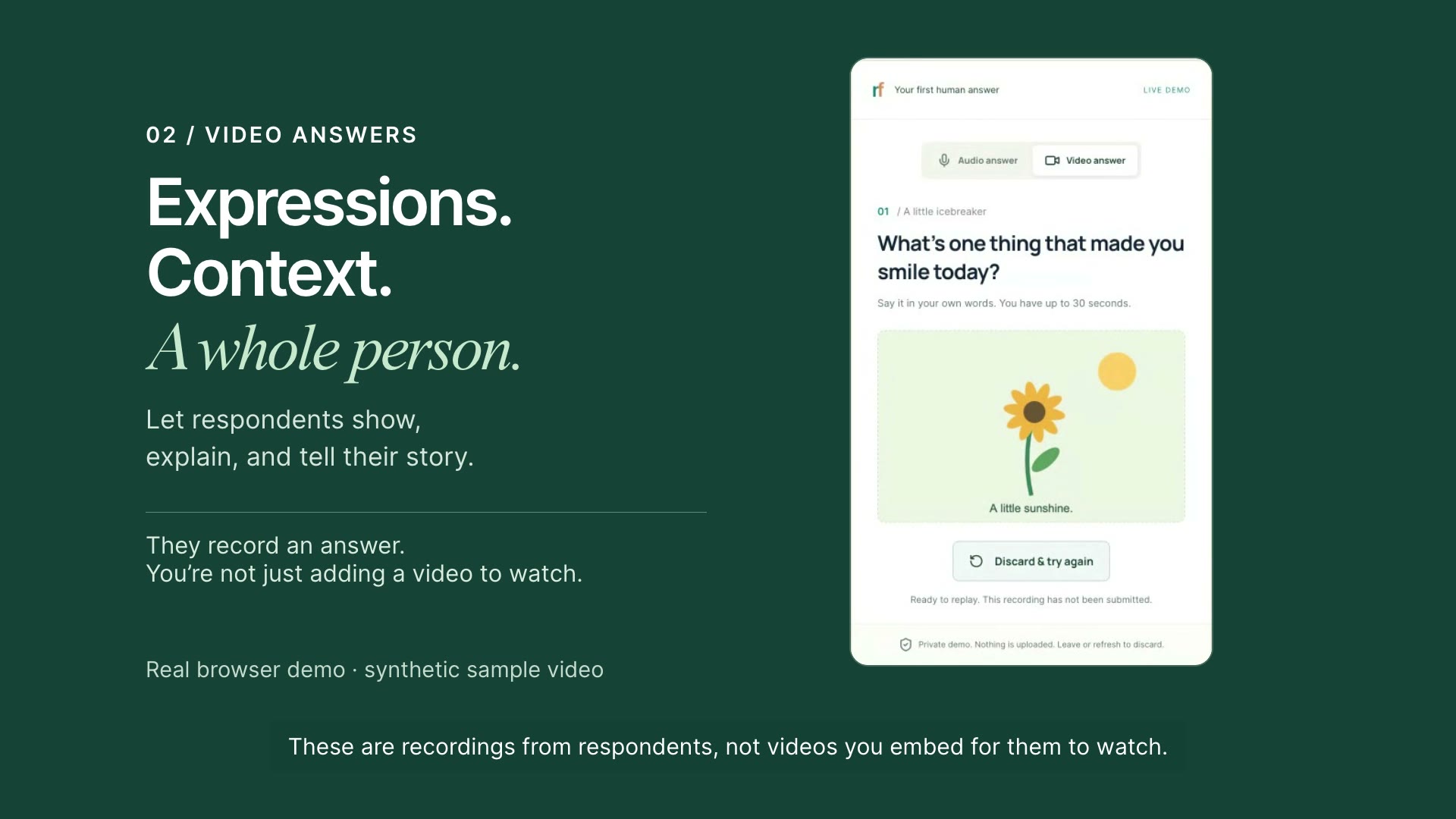
Try a 30-second voice recording. Replay it, discard it, and see how a spoken answer feels. This private demo never uploads your recording.
01 / A little icebreaker
Say it in your own words. You have up to 30 seconds.
Private demo. Nothing is uploaded. Leave or refresh to discard.
FROM A GOOD QUESTION TO A WORKING FORM
Add Audio or a combined audio question from the builder’s question picker.
Write a focused prompt, explain how you will use the recording, and review the available question options.
Use a synthetic recording to check permission handling, playback, and a saved test response before launch.
WATCH THE AUDIO & VIDEO EXPLAINER
See how voice, video, and combined audio questions bring more context to your forms.
Real builder screens and a browser-only demo, using sample content.
Try the recorder yourselfA score tells you what. A voice tells you why.
With RapidoForm, people can answer your questions with audio. Hear their words, emphasis, and tone. Or ask for a video answer, with expressions and visual context. These are recordings from respondents, not videos you embed for them to watch.
Want structure too? Pair audio with a rating, selection, image, text, or ranking. Get the answer and the explanation together.
In the builder, choose your question type. Write a clear prompt, and review the available recording settings. Preview before sharing.
Try the recorder on this page. Record, replay, or discard. This demo stays in your browser.
Ready to hear the whole story? Create your RapidoForm account.
Yes. The question picker includes Audio + Selection, Audio + Image, Audio + Text, Audio + Rating, and Audio + Ranking, as well as standalone Audio.
No. The 30-second recorder on this page keeps the recording in your browser’s memory. You can replay or discard it. Leaving or refreshing the page clears it; a published form has a separate submission flow.
Recording needs a supported browser and microphone permission. Test the browsers and devices your respondents use, and provide an appropriate written alternative when recording cannot work.
Create a free account to explore the builder. Question availability, response and storage allowances, and advanced features depend on your workspace and plan. Check the current pricing page and the question picker’s plan indicators before launch.
BETTER QUESTIONS START HERE
Explore the builder. Choose the plan that fits.